An AI model generator that keeps the same face
castingcard.ai casts a fictional AI model once and trains it, so the same face comes back in every photo, video clip, face swap and talking video. You pay the GPU's own price for the seconds each job runs, about 39¢ for a 5-second clip, with no credits.
castingcard.ai is a browser studio for AI photo and video: you cast a fictional AI model once by training a LoRA, then reuse the same face in every photo, clip, face swap and talking video, running on your own GPU or a rented Runpod GPU at cost, with no credits.


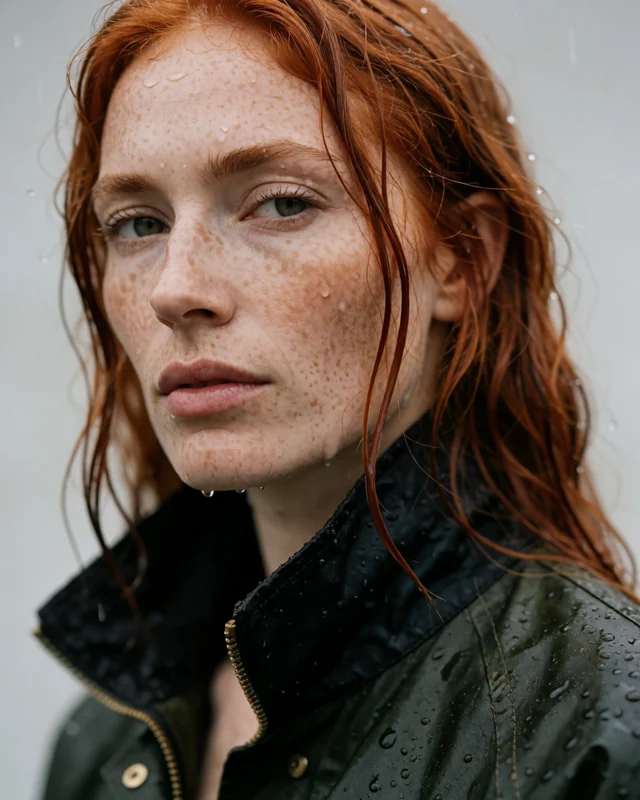
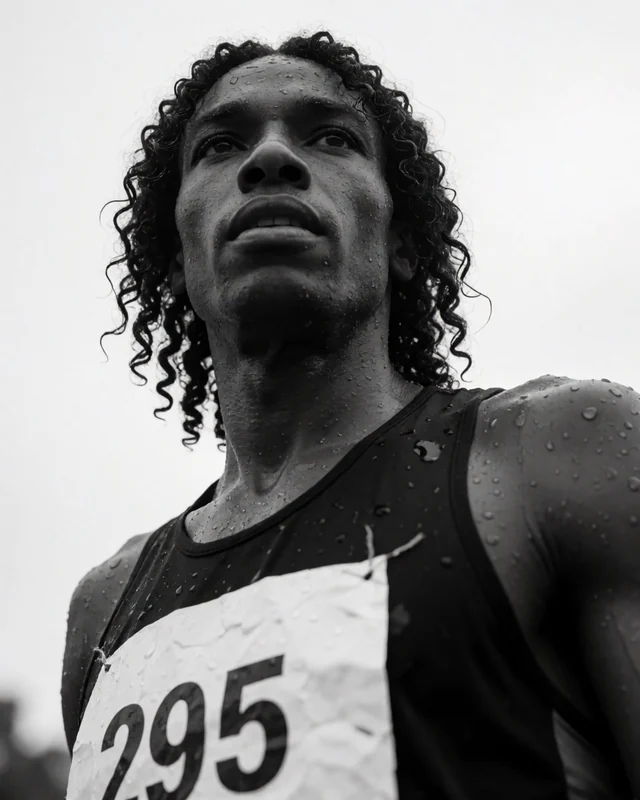
Why most AI model generators lose the face
Most generators draw the face again on every image, from a prompt or one reference picture. Each new pose, outfit or light changes it a little, so a campaign of twenty shots ends up with twenty slightly different people.
castingcard.ai trains the face instead. You describe a character, keep the takes that look right, and train a character LoRA once. After that the studio uses the trained face for every job, so what changes between shots is the outfit, the place and the light, not the person. The guide to consistent AI characters explains the difference in detail.
How it works
- 01Connect a GPU
Paste your Runpod key, or use a graphics card you already have. The studio sets up the GPU, the models and the storage on your account.
- 02Cast the model
Describe a face, pick the take you like and train it once. The trained face is yours to reuse.
- 03Shoot
Photos, video, swaps and talking clips, with the same face every time, in any outfit or setting.
One face, every format
What it costs
| Job | castingcard.ai | What you pay for |
|---|---|---|
| A photo | About 0.1¢ | GPU seconds on a rented RTX 4090 |
| A 5-second clip | About 39¢ | GPU seconds on a rented RTX 4090 |
| A 30-second talking video | About $2.37 | Priced at the clip rate per second |
| The studio | Plan, from $79 a month or one payment | See pricing |
GPU time at Runpod's price, billed by Runpod to your own account. Start-up, idle time and re-takes are extra. How the numbers are worked out: what an AI clip costs.
Questions
- How does castingcard.ai keep the same face?
- It trains a LoRA on your character: a small add-on to the image model that has learned that one face. Every photo, clip and swap then uses the trained face, instead of guessing it again from a reference picture each time.
- What can I make with one AI model?
- Photos, 5-second video clips, face swaps onto existing footage, and talking videos from your own script, all with the same face. Typical uses are UGC-style ads, lookbooks, product videos and an AI influencer's posts.
- How much does a photo or a clip cost?
- GPU time at the GPU's own price: about 0.1¢ a photo and about 39¢ for a 5-second clip on a rented RTX 4090, plus your plan. On your own graphics card there's no GPU rental bill.
- Can I make a model of a real person?
- No. Every character is a fictional adult. Real people, celebrities and lookalikes aren't allowed.
- Do I need my own GPU?
- No. Use a graphics card you already have, or rent one from Runpod by the second on your own Runpod account. The studio sets the GPU up, runs your jobs and shuts it off when idle. A photo takes about 0.1¢ of GPU time and a 5-second clip about 39¢ on a rented RTX 4090.
- Can I use castingcard.ai today?
- Not yet. castingcard.ai is in pre-launch: the studio opens to the waitlist first. 400 Founder seats are sold at $279 once, and the waitlist hears first when they open.
Cast your first model
Cast one fictional model, train it once, and use the same face in every photo and video you make.